Home › Blog › Emerging Tech & IT Trends
SaaS vs. Cloud — What's the Difference?
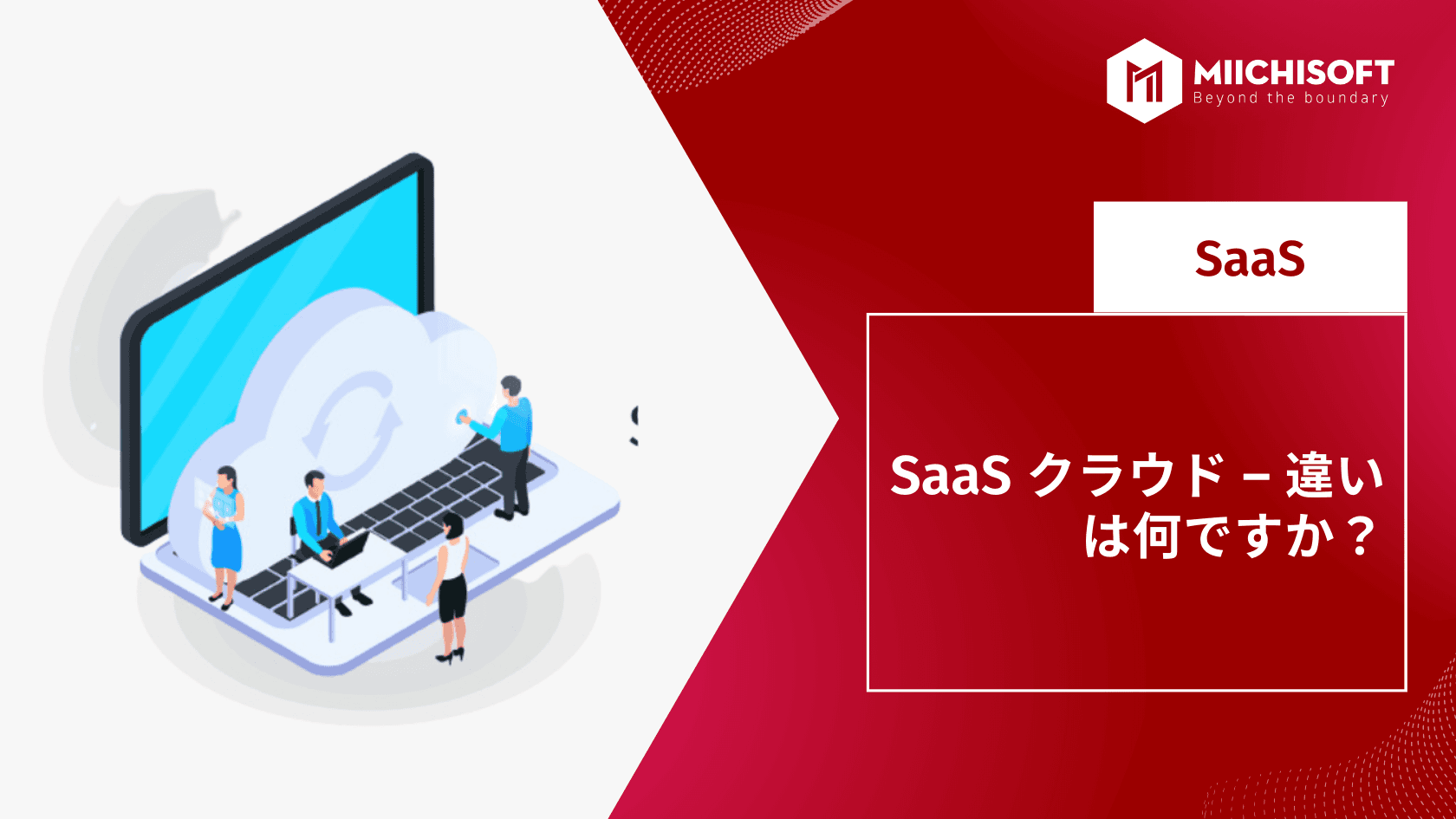
"Cloud" and "SaaS (Software as a Service)" are two terms you'll see everywhere today. When evaluating various technology options for your business, you may come across descriptions like cloud-based, hosted, SaaS, IaaS, and PaaS.
Understanding the difference between these terms matters — it shapes how you interact with the various technologies you use every day.
So let's take a look at what these terms actually mean.
1. What is cloud computing?

Also called cloud or cloud-based, this term is closely related to SaaS (Software as a Service) but is a different concept. We'll explain the details later, but first let's define each one.
Cloud-based software isn't an emerging or disruptive technology anymore — it has become mainstream, and we interact with it every day.
Cloud-based business applications span a wide range, from organizational software like Trello and Slack, to the ERP platform NetSuite, to the email provider Mailchimp. Check out the Cloud Top 100 list for other well-known software names.
According to Gartner, worldwide end-user spending on public cloud services in 2021 is projected to reach a total of $304.9 billion, up 18.4% from $257.5 billion in 2020.
So what exactly is the cloud? You can think of the cloud as the internet. With cloud-based software, you can access the software anytime, anywhere. All you need is an internet connection and a web browser to log into the system — from a desktop computer, smartphone, or PC, whatever device you're using. Whether you're at the office, at home, or at the airport, all you need is WiFi.
In technical terms, cloud computing makes computer system resources — such as servers, storage, databases, and networks — available on demand. In other words, it makes data centers accessible to many users over the internet.
2. Cloud computing vs. traditional IT

Source: Researchgate
Before cloud computing, companies had to set up their own on-premises computer servers and hardware to use software applications. To use software, you had to physically install a CD onto your personal computer.
The problem is that maintaining your own hardware costs time and money. It also often limits who can use the software, since it needs to be installed locally.
From an IT perspective, cloud computing has been a game changer. Teams no longer need to own and operate their own hardware and software assets, which means they no longer need expertise in setting up, maintaining, and securing resources.
Instead, you can partner with a cloud service provider — a third party — to host software and store and process data on remote servers. These servers sit in data centers around the world. Because providers maintain and share computer system services across multiple organizations, cloud computing can lower IT service costs. It also lets teams access cloud services from anywhere via the internet.
According to Gartner, the share of IT spending shifting to the cloud has accelerated since the COVID-19 crisis, and by 2024 the cloud is projected to account for 14.2% of total global enterprise IT spending, up from 9.1% in 2020. In other words, cloud computing is empowering every industry, helping optimize IT costs, support remote work, and ensure mobility and collaboration among team members.
3. Benefits and examples of cloud software

Cloud computing offers many benefits. For example, you don't need to worry about hosting, maintaining, or upgrading servers for software applications, or about data security. You can access data in real time whenever you need it, and since you're simply renting space on hosted servers, costs are typically low, and you can scale resources up only as much as you need.
The major cloud service providers include the following.
- Amazon Web Services (AWS) — a global compute, storage, database, analytics, application, and deployment service from Amazon.
- Google Cloud Platform — Google's core infrastructure, data analytics, and machine learning.
- Microsoft Azure — an open, flexible, enterprise-grade cloud computing platform.
- IBM Cloud — an open, secure public cloud for enterprises, including a hybrid cloud platform and advanced data and AI capabilities.
- Oracle Cloud Infrastructure (OCI) — provides servers, storage, networking, applications, and services.
In cloud computing, you're responsible for maintaining applications that run on a third party's servers (such as Amazon AWS). The physical servers and operating systems are managed by the third party.
SaaS (Software as a Service), on the other hand, is a type of cloud computing in which applications are hosted and delivered as a service. In other words, users don't have to host the application themselves — the service provider hosts the application and also handles upgrades and maintenance when needed. SaaS is essentially cloud computing focused specifically on software.
4. What is Software as a Service (SaaS)?
Software as a Service is a software delivery model that licenses cloud-based software applications to users. Because applications are accessed over the internet, users don't need to install or maintain the software locally.
Since the application itself runs on the SaaS provider's servers, the provider is responsible for security, performance, and maintenance.
SaaS applications are generally licensed on a subscription basis — you pay a monthly fee depending on the service tier and the number of users needed. In this way, SaaS providers deliver and maintain applications for customers over the internet, as a service.
SaaS Development: How to Build a SaaS Application
What Makes SaaS Unique and How Does It Compare to IaaS and PaaS?
What Are IaaS, SaaS, and PaaS? Understanding What They Have in Common</strong>
5. Benefits and examples of SaaS
SaaS software is known for offering many benefits. Like cloud computing, it's a cost-effective way to access software in real time whenever you need it. Anywhere from 10 to 10,000 users can access the same software simultaneously. And as a user, you never have to worry about server maintenance.
Popular business SaaS applications include the following.
- Salesforce — a popular CRM accessible from the internet.
- Quickbooks Online — access your accounting records from anywhere in the world.
- Zoom — log in from a web browser to start a virtual meeting.
- Slack — a communication tool for groups.
You may also come across terms like IaaS and PaaS, short for Infrastructure as a Service and Platform as a Service. These are also part of cloud computing, but they deliver different functionality as a service.
In other words, you can think of SaaS as one field (or subset) of cloud computing — a license to access a specific software application over the internet.
6. Cloud vs. SaaS
By now you can see that cloud computing and SaaS are closely related, but they are different terms.
With cloud computing, users can customize and manage all kinds of software applications on servers remotely hosted by a third party like AWS. Users can access data on these servers over the internet.
With SaaS, you pay a subscription to access, over the internet, cloud-based software applications that have already been developed. In other words, with SaaS you pay a usage fee to access already-built cloud-based software applications via the internet. The downside of SaaS software is that you may lose some control over managing and customizing the application.
7. Frequently asked questions about SaaS
7.1 SaaS vs. on-premises
The biggest difference between SaaS and on-premises is that SaaS solutions are hosted and maintained by a third-party provider, while on-premises solutions are hosted in-house. Which deployment model is best for your company depends on various factors, such as budget, goals, security requirements, and company culture.
7.2 Can SaaS software be customized?
Yes. Today's web-based software is flexible enough to be modified not just for specific business uses but also for individual users.Buyers can customize the user interface (UI) to change the look and feel of the program, or modify specific areas such as data fields to change how data is displayed. Some business process features can also be freely turned on or off.You can also adjust your own workspace — such as dashboards and task lists — to display only the information you need, optimizing your own working style.
7.3 Who owns SaaS data?
Let's answer the question of SaaS data ownership from three perspectives.If you're a consumer, in most cases you own your own data. New privacy regulations have handed control back to consumers — you can opt out entirely from cookie tracking and the murky ways data gets collected and reused. GDPR paved the way for this.If you're a SaaS customer, in almost every case you own your own data. That said, you should read the contract carefully before signing to confirm this. Check the terms around security, local backups, retention policy, and termination (making sure you can take your data elsewhere if you leave).If you're a SaaS provider, be smart about it. Your system adds value to user data, but you shouldn't claim ownership of it. Instagram ran into a PR nightmare when it used users' posts for marketing. To avoid a similar misstep in your next development project, treat GDPR and CCPA as foundational tools that point to where the market is heading. Build a fair SLA.
8. For cloud computing development, choose Miichisoft
Cloud computing has spread rapidly over the past few years.
If a company assesses its risks, configures its platforms correctly, and maintains full visibility, it can quickly identify and mitigate risk once an inevitable threat is spotted, greatly reducing the impact on the business.
If you're considering a move to the cloud and want to learn more about the security solutions needed to reduce risk, please consult our experts.
Related Articles
AI News Flash | Google Integrates Gemini into Chrome
Top 3 Workflow Automation Platforms: Is n8n, Dify AI, or Make the Right Fit for Your Business?
AI News Flash | xAI Officially Unveils Its Most Powerful Multimodal Model, "Grok 4.0"
AI News Flash | Gemini AI's Android Integration Expands, Turned On by Default Regardless of User Settings
AI News Flash | ChatGPT Is Evolving From a "Q&A AI" Into a "Multifunctional Work Partner"