Home › Blog › Emerging Tech & IT Trends
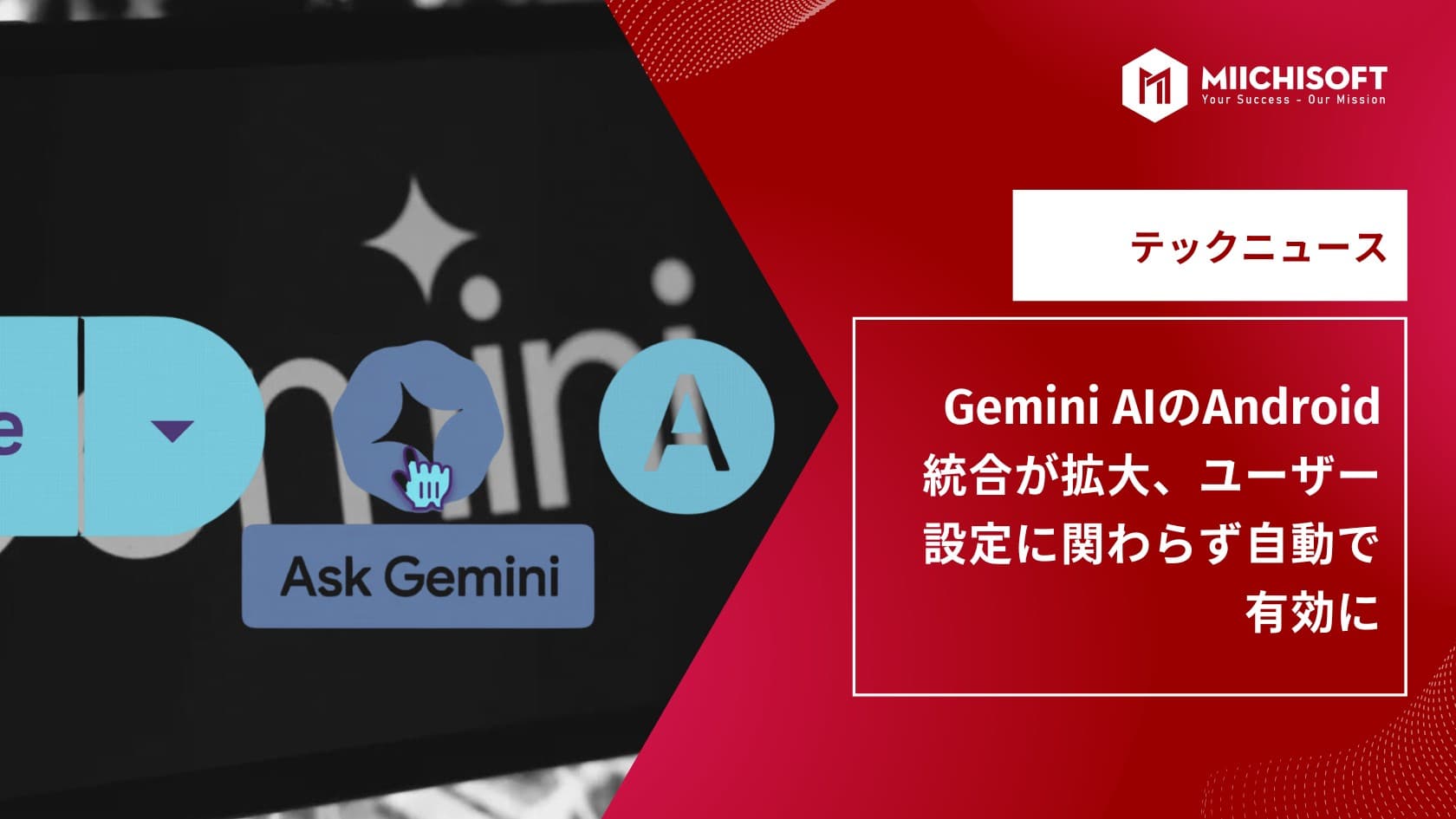
AI News Flash | Gemini AI's Android Integration Expands, Turned On by Default Regardless of User Settings
Hello from the world of AI! 🚀In today's newsletter, we bring you the following topics: ・Gemini AI's Android integration expands, turned on by default regardless of user settings ・"Gems" arrive in Google Workspace, pushing AI-driven work automation further ・Google begins global rollout of video-generation AI "Veo 3"
Gemini AI's Android Integration Expands, Turned On by Default Regardless of User Settings
Starting July 7, Google is rolling out a new feature that deepens the integration between its "Gemini" AI chatbot and Android apps. Under this change, Gemini's operating features will be enabled by default for key system apps such as WhatsApp, Messages, and Phone. Since this applies even when "Gemini Apps Activity" is turned off, it has raised concern among users.
What the New Feature Enables
With Gemini's new capability, users get AI assistance sending messages and making calls directly within chat apps. Google has published a detailed guide on this integration, including a support page listing restrictions specific to WhatsApp use.

Questions Over Privacy and AI Intervention
Google states that Gemini is not permitted to do the following: ・View or summarize the content of WhatsApp messages ・Access media in chats (images, videos, GIFs) ・Play voice or video messages ・Read notifications or send repliesThat said, it has also been revealed that certain actions may still be carried out indirectly through Google Assistant and similar channels, even when Gemini itself is not directly launched.
User Concerns Over Losing Control
Within the user community, questions have arisen over how much real control people actually have over Gemini. Google offers settings to disable Gemini's extensions (Profile > App > Extension Settings) and to turn off "Gemini Apps Activity" (Profile > Gemini Apps Activity > Turn Off), but there are reports that even after doing so, Gemini may continue integrating with WhatsApp and other apps.

Google has also acknowledged that even after stopping app activity, activity data may still be retained for up to 72 hours, stating this is meant to improve "security, safety, and user experience."This move reflects a broader industry trend of AI features being deeply and, by default, embedded into operating systems. Meta previously drew similar criticism for integrating an AI assistant into WhatsApp without giving users an option to disable it.
How to Limit Gemini's Access
To minimize data collection and app integration by Gemini, Android users have three options.Method 1: Cut Off the Gemini App's Internet ConnectionTurning off Gemini's internet connection limits its communication with external servers. ・Open the Gemini app ・Tap the profile icon in the top right ・Go to the "Apps" section and turn off any extensions you don't needMethod 2: Turn Off "Gemini Apps Activity"To stop your app actions and usage history from being recorded, change the following setting. ・Open the Gemini app ・Go to profile icon > "Gemini Apps Activity" ・Turn off activity trackingMethod 3: Disable or Uninstall the Gemini AppFor tighter control, you can also stop or remove the Gemini app entirely. ・Go to "Settings" > "Apps" ・Select the "Gemini" app and choose "Disable" ・Or use the developer tool "ADB" to fully uninstall it
"Gems" Arrive in Google Workspace, Pushing AI-Driven Work Automation Further
Google has begun officially rolling out "Gems," a customizable version of its "Gemini" AI assistant. This embeds Gems directly into the side panel of key Workspace apps such as Gmail, Google Drive, Docs, Sheets, and Slides. The feature is a new step in using AI to boost productivity for both individual and business users.

What Are Gems?
Gems are custom AI assistants designed for specific purposes, letting users build their own Gem tailored to their work — for example, optimizing AI support for tasks like drafting and summarizing documents or assisting with sales activities.Previously available only inside the dedicated Gemini app, Gems can now be used directly within various Google Workspace tools thanks to this update.
Practical Examples and Use Cases for Gems
Google has introduced several representative use cases for how "Gems" can be applied at work. A key strength of Gems is that they can be customized to fit an individual's role or business goals. ・Copywriting support: creating a Gem specialized for marketing or social posts can automatically generate compelling copy tailored to the target audience. ・Sales assistant: a Gem trained on company information, industry knowledge, and prospect data can help draft sales emails, proposals, or pitch scripts. ・Summarizing information: a Gem customized to a user's role can accurately summarize reports, internal documents, and emails. ・Expert feedback: setting up a "virtual expert Gem" — say, with the perspective of a CEO or product manager — can help validate proposals and suggest persuasive improvements.

How to Create and Use Gems
A new Gem can be created easily via the "Create a Gem" button shown in the Workspace app's side panel. After clicking it, you're taken to Gemini's settings screen, where you can specify the purpose, input data, and operating conditions in detail.This feature is rolling out gradually over the coming weeks to Google Workspace users who can access Gemini via the sidebar.Some users already in the "Workspace Labs" program have had early access to this feature on personal accounts, paving the way for fuller adoption in enterprise settings.
Google Begins Global Rollout of Video-Generation AI "Veo 3"
Google has officially begun a global rollout of its video-generation AI "Veo 3," making it available to Gemini users across more than 159 countries and regions. The feature is limited to paying Google AI Pro subscribers, with a cap of up to 3 videos per day.Veo 3 is an AI model that can automatically generate up to 8 seconds of video from text instructions alone, first announced in May 2024. Through this technology, Google aims to expand AI's creative expression, with applications in content production expected to accelerate.

The company's product director, Josh Woodward, has revealed that the team is also working on an image-to-video feature within Gemini, and that Veo-based video generation could serve an even wider range of needs going forward.
In Closing
We hope today's content helps you make the most of AI technology and stay informed. If you found this newsletter useful, please feel free to share it with colleagues or friends who may be interested. We will continue to carefully select and deliver the topics that matter most. We hope you look forward to our next
. Thank you for your continued support.
Related Articles
AI News Flash | Google Integrates Gemini into Chrome
Top 3 Workflow Automation Platforms: Is n8n, Dify AI, or Make the Right Fit for Your Business?
AI News Flash | xAI Officially Unveils Its Most Powerful Multimodal Model, "Grok 4.0"
AI News Flash | ChatGPT Is Evolving From a "Q&A AI" Into a "Multifunctional Work Partner"
AI News Flash | Google Unveils Gemini Robotics On-Device: Controlling Robots Without an Internet Connection