Home › Blog › Emerging Tech & IT Trends
AI News Flash | Midjourney Officially Releases V1: From Still Images to Video, Taking AI Creativity to a New Level
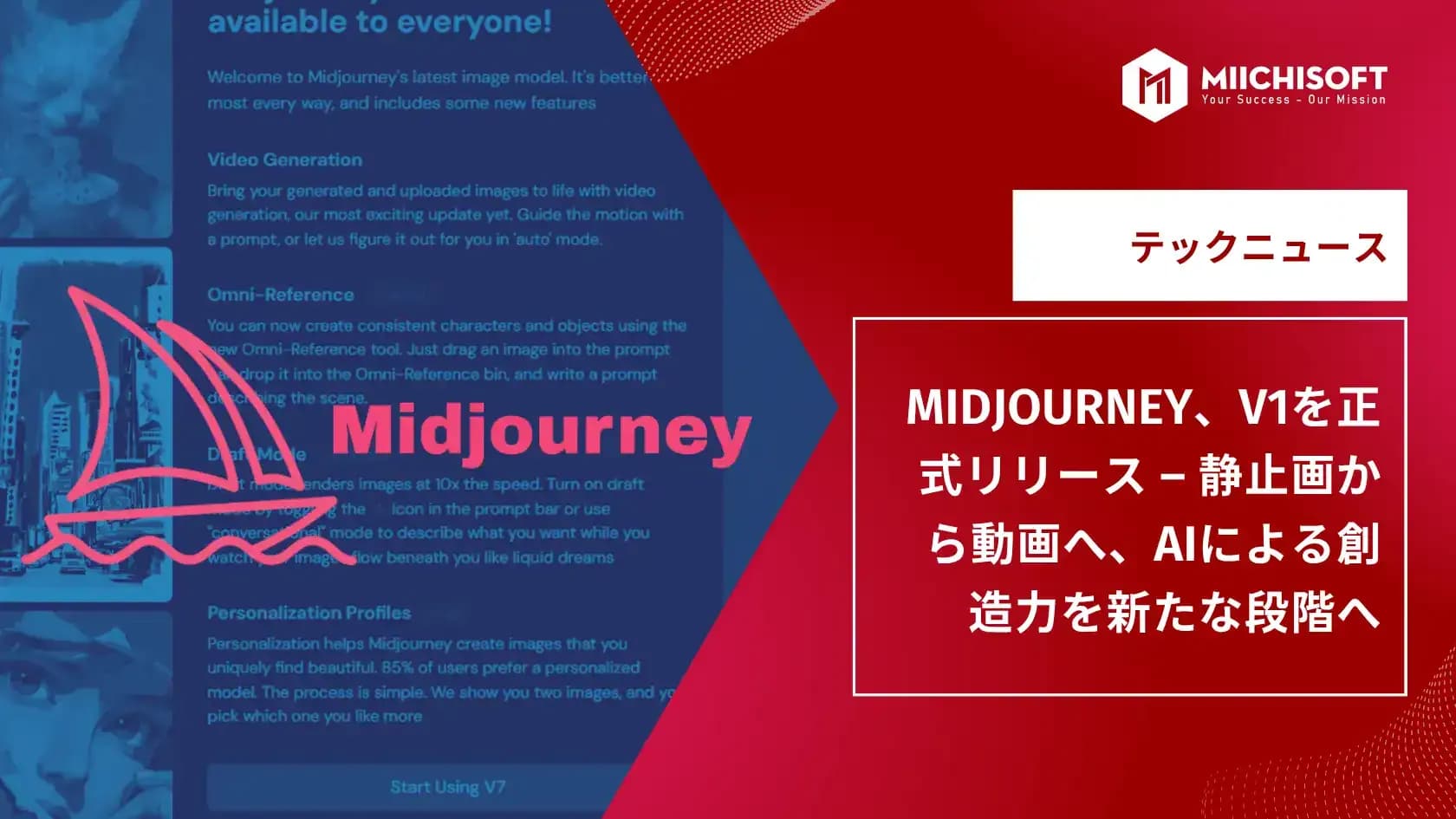
Hello from the world of AI! 🚀Today's newsletter covers the following hot topics. ・Midjourney officially releases V1: stills to video, a new stage for AI creativity ・Google announces "Search Live": real-time voice search via natural AI conversation ・Grok AI introduces project-based "Workspace" feature: rivaling Gemini's GEM
MIDJOURNEY
Midjourney Officially Releases V1 – From Still Images to Video, Taking AI Creativity to a New Level
Midjourney, known for AI image generation, has taken a new step with its video tool "V1," which turns still images into short moving clips — greatly expanding what creators can express.
How V1 Works
V1 uses an "image-to-video" model to turn an uploaded image (Midjourney-generated ones included) into a roughly 5-second video. Each image automatically yields 4 versions, and users pick the best one.Videos can also be extended up to 20 seconds and fine-tuned with prompts (text commands), giving creators plenty of flexibility.

Source: MIDJOURNEY
Pricing Plans
V1 requires a Midjourney subscription.
- Basic Plan ($10/month): 3.3 hours fast GPU time, good for ~200 images. Video is resource-heavy — 1 second of video = 1 image in GPU cost — use it carefully.
- Pro and Mega Plans (~$60/month and $120/month): more GPU time plus "Video Relax Mode" for unlimited video, though slower. Annual contracts get 20% off.

Source: MIDJOURNEY
Optimized for Social Media Posting
V1 also includes an optimization feature for social sharing: the "Save for Social Media" option avoids quality loss when posting to platforms like TikTok and Instagram.Early users have praised the quality and creativity of V1 videos, and processing speed has also drawn high praise. The release is a strategic step for Midjourney to compete head-on with major players like Google's Veo 3.
Google Announces "Search Live": Real-Time Voice Search Through Natural Conversation with AI
Google has announced "Search Live," taking search to its next stage: real-time, two-way voice conversation with AI to get search results. It is currently being tested in the US for users enrolled in AI Mode within "Google Labs."

Source: Google
A Search AI That Keeps the Conversation Going Without Interruption
Users simply speak, and the AI replies with voice plus supporting text and links. It keeps the conversation's context, so users never need to repeat themselves.For example, while packing, a user might ask "How do I keep a dress from wrinkling?" then follow up with "What if it still wrinkles?" — the AI understands the link to the earlier question and answers accordingly.
Multitasking Support and Intuitive UI Design
Even switching apps, the conversation keeps running in the background, with full history saved in AI Mode for later.The UI is user-friendly:
- A "Live" button below the search bar
- Mute toggle, voice change, transcript viewing
- Works while the screen is locked
- This makes for smooth searching while on the move or multitasking.
Advanced Technical Foundation with Gemini and Query Fan-out
Search Live combines Google's next-generation "Gemini" model with the Google search engine to deliver answers that balance accuracy and reliability.A technology called "Query Fan-out" also pulls and merges information from multiple websites at once, drawing on a wide range of perspectives.
Looking Ahead: Toward Integration with Vision
Google plans a future feature using a smartphone camera for real-time, image-based search and dialogue — pushing the search experience further toward a fusion of "sight" and "voice."For now Search Live is limited to the US, but with global rollout in view, natural conversational search that skips keywords looks set to become the next-generation standard.
GROK AI
Grok AI Introduces New Project-Based Feature "Workspace": Rivaling Gemini's GEM
Grok AI, from xAI (led by Elon Musk), has rolled out "Workspace," for project-specific interactions. Though similar to "GEM" in Google's Gemini, Workspace is more flexible and practical, supporting long-term goals.

Source: Grok AI
What Is Workspace
With Workspace, users organize their Grok interactions around a purpose or project. The "purpose" and "tasks" set at the start are remembered by the AI, so there's no need to re-explain them later.For example, setting a theme like "household budgeting" or "travel content creation" keeps the AI's understanding and assistance consistent within that scope.

Source: Grok AI
File Integration and Memory to Support Work
Uploading PDF or Excel files to Workspace lets Grok grasp their contents and instantly answer related questions — no need to repeat information or re-explain context each time.Useful for drafting reports, organizing research notes, long-term plans, and project progress tracking.

Source: Grok AI
Use Cases: From Education to Household Budgeting
Grok Workspace never needs its context restored, enabling continuous support.For example:
- Loading Python-beginner materials and asking step-by-step questions about concepts or exercises
- Logging daily expenses so Grok auto-tallies them weekly or by category
It should also suit general uses: language-learning tracking, reading records, blog-post structuring, exercise habits.
Differences from GEM and Grok's Growth Strategy
Like Gemini's "GEM," Workspace maintains conversational context for long-term support, but its edge is being more user-driven and freely configurable.With this design, Grok aims to evolve beyond a chat AI into a "partner AI" that shares goals and works alongside documents and history, with growing use expected in productivity and knowledge management.
In Closing
We hope today's content helps with putting AI to work and gathering information. If you found this useful, feel free to share it with interested colleagues or friends. We'll keep curating and delivering the topics that matter most. Look forward to our next
. Thank you for your continued support.
Related Articles
AI News Flash | Google Integrates Gemini into Chrome
Top 3 Workflow Automation Platforms: Is n8n, Dify AI, or Make the Right Fit for Your Business?
AI News Flash | xAI Officially Unveils Its Most Powerful Multimodal Model, "Grok 4.0"
AI News Flash | Gemini AI's Android Integration Expands, Turned On by Default Regardless of User Settings
AI News Flash | ChatGPT Is Evolving From a "Q&A AI" Into a "Multifunctional Work Partner"