Home › Blog › Development Solutions
SaaS Development: How to Develop a SaaS Application
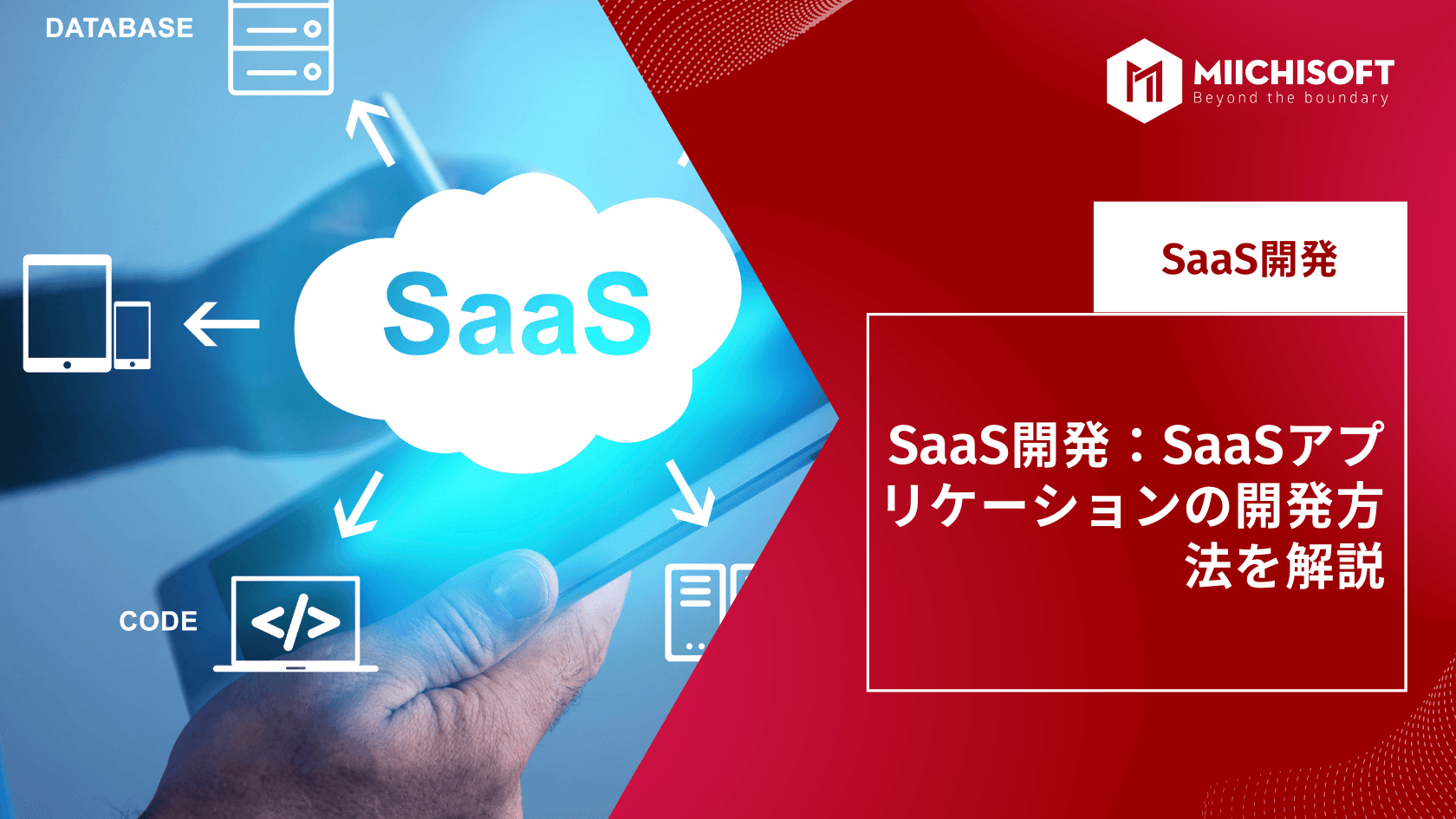
Are you a startup founder, product manager, or serial entrepreneur who wants to know how to develop a SaaS platform? Then let's start with a quick overview, followed by the key concepts you need to know about SaaS development.
1. What is SaaS (Software as a Service)?
1.1 What is SaaS
SaaS (Software as a Service) is a software deployment model in which a third-party provider builds an application on cloud infrastructure and makes it available to customers over the internet.
Because of this, instead of installing it on a local machine like traditional software, you can access it from any device as long as you have an internet connection and a web browser.
Customers can deploy SaaS under one of three different models defined by the U.S. National Institute of Standards and Technology (NIST).
1.2 Benefits of SaaS services
- Accessibility: usable 24 hours a day, 365 days a year, from any device via an internet browser
- Operational management: no installation, hardware upgrades, or traditional license management needed
- Cost-effectiveness: no upfront hardware costs, and flexible payment options such as pay-as-you-go
- Scalability: easily scale the solution as your needs change
- Data storage: data is routinely stored in the cloud
- Analytics: access to data reporting and intelligence tools
- Better security: SaaS providers invest heavily in security technology and expertise
2. How does SaaS differ from a web application?
Every SaaS product is a web application, but not every web application uses the SaaS model. Let's take a look at a comparison table.
SaaS application | Web application |
A SaaS application is an application that runs on cloud infrastructure. Users are never required to manage infrastructure for a SaaS application. SaaS can be accessed either through a web browser or a program interface. | A web application is hosted on a server. A web application is any application accessible through a browser. Custom WordPress sites running on a shared server customized to function as an application also fall into the web application category. |
3. How to develop a Software-as-a-Service application
Let's look at a checklist of the seven stages in the development lifecycle of a Software-as-a-Service application.
- Idea validation
- Refining requirements
- UX/UI design,
- Frontend and backend development
- QA testing
- Product launch and support
- Scaling the SaaS product.
Now let's go through each item on the checklist.
Step 1: Idea generation and validation
Idea generation and validation form the foundation of the creation process for a product. Idea generation is the creative process of coming up with ideas and communicating them to the development team.
Validation, on the other hand, involves confirming the feasibility of an idea before core development begins.
The earlier stages of idea validation are handled by the startup, while the more technical parts are handled by the development partner.
SaaS idea generation and validation follow this checklist.
- Come up with a SaaS idea
- Conduct extensive market research
- Define the necessary technical parameters
- Create an application prototype
- Verify the prototype's compliance with relevant regulations
Once the concept is settled, it's finally time to move on to the design phase.
Step 2: UX/UI design
UX/UI design for a SaaS product includes both a user experience design stage and a user interface design stage.
- UX is about creating the blueprint for the platform.
- UX is about creating the platform's blueprint, while UI defines the look and feel of the future platform.
What matters here is that icons, buttons, forms, and other design elements are add-on features of the platform.
In other words, drawing a button is far quicker and cheaper than developing one. That's because an insane amount of logical connections to various entities, calculations, and integrations can sometimes be hidden behind each button.
So, to stay within budget, be mindful about design during the MVP (Minimum Viable Product) stage.
It's also worth noting that design is used to estimate the development price fairly precisely, and to break the development process down into milestones.
Step 3: Development and testing
The essence of SaaS development is turning the design into a living platform. Here's how that plays out.
Designers provide the UX/UI design files.
Backend engineers write the code needed to bring those features to life.
Frontend developers deploy the design to a server and connect the frontend to the backend.
QA testers develop and run tests, find and report bugs, and manage fixes.
And the project manager oversees the entire process from A to Z, quite literally managing and coordinating everything.
Honestly, it's impossible to describe the development process completely, since standards and approaches vary from company to company.
For example, one company might use a fixed-price model, with a set scope of work and team composition.
Other companies use a time-and-materials model, which allows the scope of work and team size to expand or shrink along the way.
Step 4: Product launch and maintenance
Here, you'll deploy the SaaS platform via GitHub, AWS CodeCommit, or another launch platform.
This activity is mainly carried out by DevOps engineers (team members with the expertise to bring software to the launch stage). Maintenance then begins afterward.
However, a common mistake many tech founders make at this stage is not having a budget for maintenance. This is something that should be worked out properly starting from the initial planning stage.
An ideal SaaS maintenance budget is roughly 25% of the development budget.
Step 5: Scaling the product
Before moving on, here's an important note. It's something founders don't usually think about, but you need to start attracting potential users during the idea validation stage.
You're probably one of the founders who's already thinking about this.
So, once you launch the platform, keep going with the mindset that you already have your first customers.
What you need to do at this step is to keep collecting customer feedback at all times. There are various ways to do this, including customer interviews, surveys, and feedback by email.
This is extremely important.
That's because, regardless of your target audience, market segment, or whether your SaaS solution is B2B or B2C, maintenance and scaling will involve costs such as:
- Adding new features
- Analytics and monitoring
- Product enhancements
- Support
4. SaaS market size and future outlook
4.1 Trends in the market size of SaaS services
According to ITR's market research, the domestic SaaS market size in the SaaS industry in Japan was estimated at 69 billion yen* in 2022.
The packaged software market is 79 billion yen, so SaaS is closing that 10-billion-yen gap at a rapid pace.
Looking at year-over-year growth, the market has kept growing 120%-130%* year over year every year since 2018.
URL: https://www.itr.co.jp/report/marketview/M21000600.html
This graph shows that the SaaS market size is expected to keep expanding going forward. The SaaS market, which had a market size of 600 billion yen in 2019, is projected to overtake packaged software in 2021. By 2024, the market size is expected to reach roughly 1.12 trillion yen — nearly doubling in five years.
4.2 The future of SaaS
Going forward, companies are expected to design and develop new technologies to meet demand, further accelerating cloud computing adoption. Some companies are predicting a resurgence of SaaS technology heavily focused on mobile devices. Others are focused on the trend of artificial intelligence (AI) sweeping through the SaaS market in fields such as logistics, transportation, and retail.
As technology keeps evolving, the SaaS model will evolve along with it. That said, it's also true that off-the-shelf products and ready-made tools will always have a place in business. Overall, SaaS offers a wide range of benefits for both suppliers and users. Companies will continue to need capable IT professionals who can analyze, evaluate, and design cloud computing solutions that fit both their current and future needs.
5. Frequently asked questions about SaaS (FAQ)
5.1 What is SaaS?
SaaS is software, or a way of delivering software, that lets users access only the functionality they need, in the amount they need, as a service. It generally refers to a mechanism where the needed functionality is used over the internet, built on a single-system, multi-tenant architecture.
5.2 How does SaaS differ from PaaS and IaaS?
SaaS handles operations management all the way up to the application used by end users, while PaaS manages the middleware and server OS that provide the development environment, and IaaS mainly handles hardware maintenance and management.
5.3 Why does 'MRR' matter so much for SaaS?
By measuring MRR, you can see what portion of your total revenue is recurring, and its trend lets you assess a company's medium- to long-term growth potential and stability. That's why MRR gets attention as a "key metric for understanding growth rate" in subscription-based businesses and similar models.
Related Articles
[Case Study Dify] AI ERP Query Bot Using Natural Language - Retrieve data in seconds
Dify Chatbot Pricing: Complete Guide to Deployment & Operating Costs
[2025] 12 PWA App Case Studies, Explained in Detail
What Comes After Proof of Concept (PoC)? [2025 Edition]
Top 10 IT Outsourcing Companies in Vietnam Experienced in Working with Japanese Enterprises