Home › Blog › Development Solutions
What Are IaaS, SaaS, and PaaS? Explaining Their Common Ground
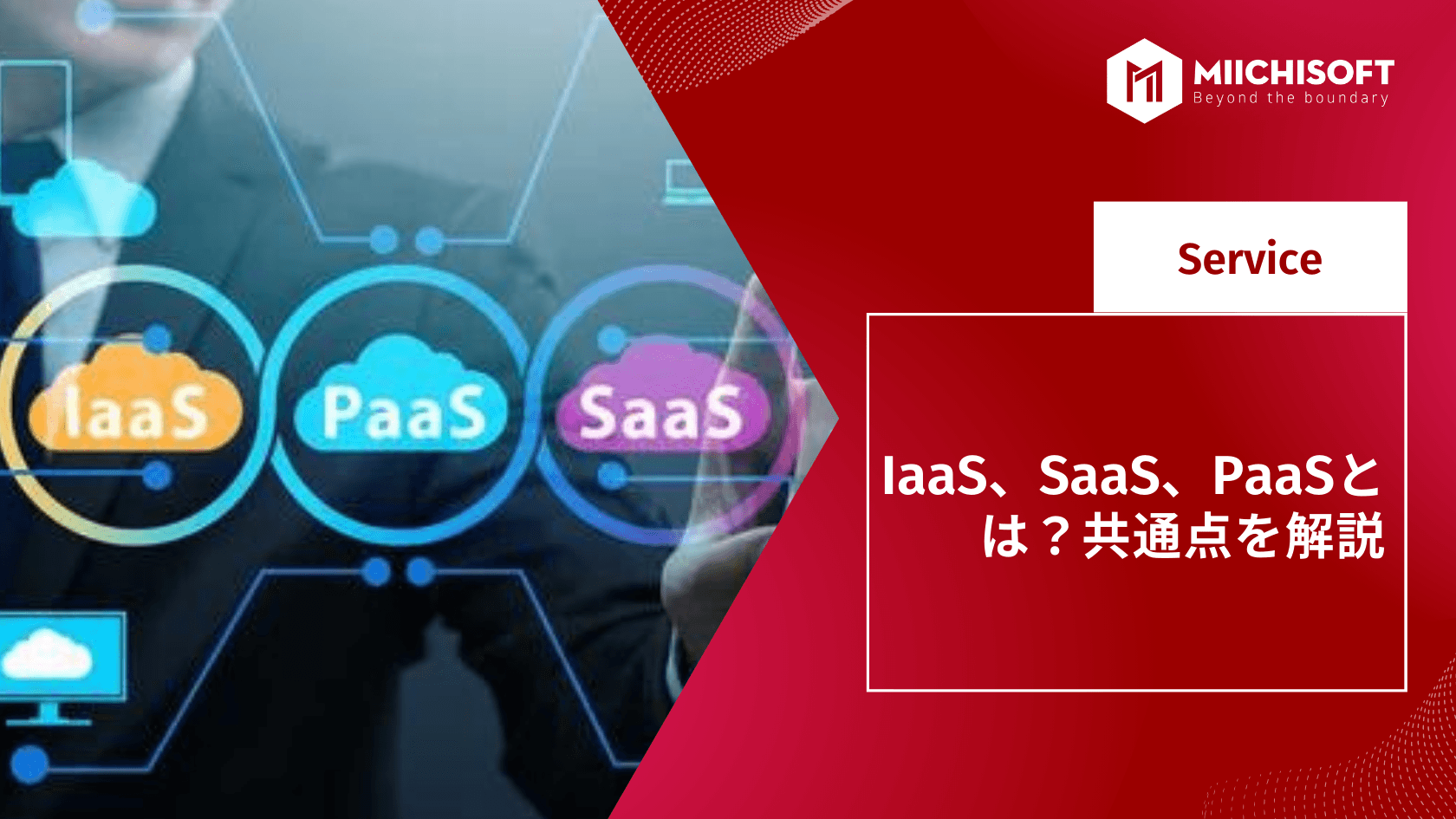
What exactly is "the cloud"? And how do IaaS, PaaS, and SaaS relate to the cloud?
Choosing between IaaS, PaaS, and SaaS is a decision your organization needs to make.
These may sound like simple questions, but they have a major impact on your business and the technology you use to run it.
1. What Are IaaS, SaaS, and PaaS
1.1 What Is the Definition of IaaS (Infrastructure as a Service)?
Here is the official definition of IaaS. IaaS (Infrastructure as a Service) delivers compute, memory, storage, networking, and related software such as OSes and databases as cloud services, replacing the infrastructure of a traditional on-premises data center.
Put simply, IaaS is essentially a virtual server, which customers rent from another company that owns the data center. In essence, IaaS trades ownership for access.
This solution lets end users flexibly host custom-built applications and standard software, while also providing a general-purpose data center for storage.
1.2 What Is SaaS (Software as a Service)?
SaaS is a software deployment model in which a third-party provider builds applications on cloud infrastructure and makes them available to customers over the internet.
Because of this, rather than installing it on a local machine like traditional software, you can access the software from any device with an internet connection and a web browser.
1.3 What Is PaaS (Platform as a Service Provider)?
PaaS stands for Platform as a Service Provider—an online platform that lets individuals and businesses develop, manage, and optimize applications without purchasing the underlying infrastructure.
Customers can deploy PaaS under any of the three cloud deployment models defined by the U.S. National Institute of Standards and Technology (NIST).
2. Benefits of IaaS, SaaS, and PaaS
2.1 Benefits of IaaS
IaaS benefits businesses in scenarios where scalability and rapid provisioning are key.
In other words, fast-growing companies that lack the funds to invest in hardware are ideal candidates for the IaaS model.
IaaS is also valuable for companies with stable application workloads that want to offload some of the day-to-day operation and maintenance tied to infrastructure management.
Other benefits include the following.
- Pay only for what you use—a usage-based pricing structure
- Reduced capital expenditure—IaaS is usually paid as a monthly operating expense
- Dynamic scalability—rapid capacity addition at peak times and scale-down as needed
- Improved security—IaaS providers invest heavily in security technology and expertise
- Future-ready operations—access to cutting-edge data centers, hardware, and operating systems
- Self-service provisioning—easy access over an internet connection
- Reallocation of IT resources—frees IT staff to focus on higher-value projects
- Reduced downtime—IaaS enables immediate recovery from failures
- Greater speed—once an IaaS machine is provisioned, developers can start the project right away
- Enabling innovation—adding new features and leveraging APIs
- Leveling the playing field—lets small businesses compete with large enterprises
2.2 Benefits of SaaS
- Accessibility—runs 24 hours a day, 365 days a year, from any device via an internet browser
- Operational management—no installation, equipment updates, or traditional license management needed
- Cost-effectiveness—no upfront hardware costs, with flexible payment options such as pay-as-you-go
- Scalability—easily scale the solution as needs change
- Data storage—data is routinely stored in the cloud
- Analytics—access to data reporting and intelligence tools
- Improved security—SaaS providers invest heavily in security technology and expertise
2.3 Benefits of PaaS
PaaS suits small and medium businesses and startups for two fundamental reasons. First, cost-effectiveness—even small companies can access cutting-edge resources without a hefty price tag.
Most small businesses can't build a robust development environment in-house, so PaaS provides a path to accelerate software development. Second, it lets them focus on their own area of expertise without being bogged down maintaining underlying infrastructure.
Other benefits include the following.
- Cost-effectiveness. No need to purchase hardware or bear the cost of downtime.
- Time savings. No need to spend time setting up or maintaining the core stack.
- Faster time to market. Speeds up app creation.
- Future-readiness. Access to cutting-edge data centers, hardware, and operating systems.
- Improved security. PaaS providers invest heavily in security technology and expertise.
- Dynamic scalability. Rapid capacity addition at peak times and scale-down as needed.
- Custom solutions. Provides operational tools that let developers build custom software.
- Flexibility. Lets employees log in and work on applications from anywhere.
3. When to Use IaaS, SaaS, and PaaS
3.1 When to Use IaaS
PaaS is highly effective when a team of developers is building an app together, or when outside developers are involved.
PaaS tools are also very useful when a development team uses agile methods, since they allow for easy, fast development and iteration.
What's more, PaaS tools can significantly cut physical infrastructure costs and reduce business overhead—a major benefit for small business owners.
What kind of company is PaaS suited to?
- Web development companies
- Startups developing new software applications
- Companies developing software in-house
3.2 When to Use SaaS
Despite SaaS's popularity and flexibility, it's not a one-size-fits-all solution. That's why you need to choose carefully when using a SaaS product for your business.
Here are three of the most common business scenarios where using a SaaS product makes sense.
- Collaborative projects. Google Docs is a good example.
- A fast, lean launch. WordPress and Shopify are good examples.
- Mobile and web access. When you need software you can access easily at your desk or on the go, like accounting software or a CRM system—QuickBooks is one such example.
Who is SaaS a good fit for?
- Startups without the time or resources to develop and manage their own software
- Companies that frequently work on collaborative projects
- Companies that need mobile or web access
3.3 When to Use PaaS
IaaS is a good fit in the following situations.
- When you need full control over the application.
- When your business is growing and you're unsure what hardware or software resources you'll need going forward.
- IaaS providers usually come with dynamic scaling capability, making them very flexible.
What kind of company is IaaS suited to?
- Enterprises running high-performance applications that need ultimate control
- Startups that need to save cost and resources while building their own hardware and software
- Fast-growing companies that regularly adjust computing resources to match changing needs
4. Differences Between IaaS, SaaS, and PaaS
As you know, SaaS (Software as a Service) makes applications available over the internet. To use SaaS, customers don't need to install or run any program on their own device.
PaaS (Platform as a Service) provides a framework for creating and deploying applications while eliminating the need to manage infrastructure. IaaS (Infrastructure as a Service) provides pay-as-you-go infrastructure for businesses, with the benefits of flexibility and control.
The difference between the three cloud computing services comes down to the layer of control. IaaS offers the most control, since customers are responsible for managing the applications, data, runtime, middleware, and operating system. PaaS customers, on the other hand, manage only the applications and data, while SaaS customers are responsible only for the data within the software.

5. Frequently Asked Questions About IaaS, SaaS, and PaaS
Reference: What is SaaS?|A 3-minute explanation of SaaS, one of the cloud service categories, including its differences from IaaS and PaaS
5.1 SaaS, PaaS, or IaaS—Which Is the Best Choice?
The answer depends on your business. Each cloud service model offers different features and functionality.
If you want ready-to-use functionality without the hassle of installation, SaaS may be the best fit.
If you need a platform designed for building software products, PaaS can serve your business right away.
If you're looking for a service that offers strong flexibility and scalability while letting you control the infrastructure, IaaS is the right fit.
5.2 Difference Between PaaS and SaaS
The biggest difference between PaaS and SaaS is that with a SaaS product, another company manages everything, from the server all the way to the data itself. With PaaS, you can use a cloud-based platform as the foundation for building software.
If you want to build your own application for your business, a PaaS platform is the best fit.
5..3 Difference Between IaaS and PaaS
The biggest difference between IaaS and PaaS comes down to who controls the system.
With IaaS, administrators can control the operating system more directly. With PaaS, on the other hand, users get more flexible control over their own applications and programs.
Related Articles
[Case Study Dify] AI ERP Query Bot Using Natural Language - Retrieve data in seconds
Dify Chatbot Pricing: Complete Guide to Deployment & Operating Costs
[2025] 12 PWA App Case Studies, Explained in Detail

What Comes After Proof of Concept (PoC)? [2025 Edition]

Top 10 IT Outsourcing Companies in Vietnam Experienced in Working with Japanese Enterprises