Home › Blog › AI & Generative AI
Build an E-Commerce Site in Just 5 Minutes with AI: A 3-Step Method

In e-commerce, “speed” is a competitive edge. Launching a site used to take weeks or months — with AI, you can now build a prototype in minutes. Here are three steps the Miichisoft team has tried and confirmed effective. This saves time and lets the dev team align on the final vision early, improving product quality.
Step 1: Research and Requirements with Perplexity
First, use Perplexity to research competitors and similar sites. Enter the right questions to get a report covering: ・Key features needed (cart, payment, order management, product pages, policies, SEO meta, etc.) ・Basic content per page

Adapt these results to your needs for a solid base for the next step.
Step 2: Create a Detailed Prompt with ChatGPT
Feed Perplexity's output into ChatGPT to build a detailed prompt covering: ・Sitemap and page structure ・Sample content per section (headlines, descriptions, meta, etc.) ・Required components (menu, forms, search bar, cart, etc.) ・Basic UI/UX requirements

This prompt is now ready for Bolt.new.
Step 3: Generate the E-Commerce Site with Bolt.new
Finally, copy the ChatGPT prompt into Bolt.new, and select “Prompt Enhance” to improve it.

A finished sample site is generated instantly — edit design and text on the spot.

After final tweaks, export the code to the dev team to harden security, optimize performance, integrate payments, and launch it officially.

Note
This applies beyond e-commerce too — web apps, landing pages, and other prototypes.
※The product and brand names in this article are AI-generated examples and unrelated to any specific company or individual.
This tip comes from the Miichisoft team's real experience. Give it a try, and share your results and ideas with us. Let's build more efficiently with AI!
Related Articles
Dify Implementation Consulting | A Comprehensive Guide and Detailed Cost Breakdown

[Dify Case Study] Dify AI Contract Review Chatbot in 2 Minutes - Standardized to Internal Compliance Requirements
What Causes Dify Implementation Projects to Fail Midway? A Management Guide to Succeeding with Your Dify Implementation Vendor
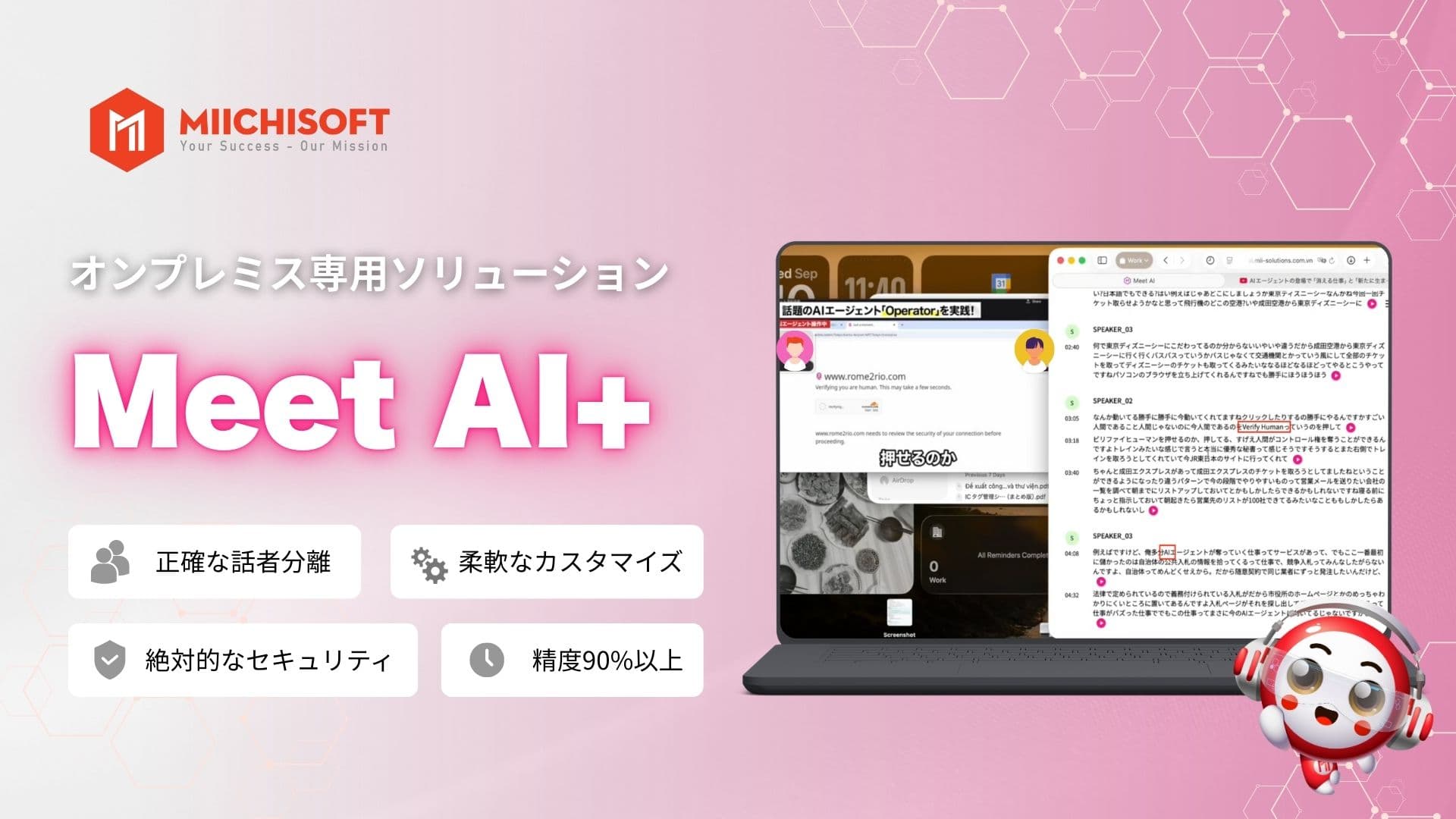
Miichisoft Launched Meet AI+ - AI Meeting Assistant Optimized For On-site Meetings, Reducing Meeting Minutes Creation Time By Up To 90%
6 Criteria for Dify Implementation Vendor Selection you must know! [Free RFP Template]