Home › Blog › Development Solutions
[2023 Latest] AWS Amplify vs. Firebase: A Thorough Comparison of 50 Features
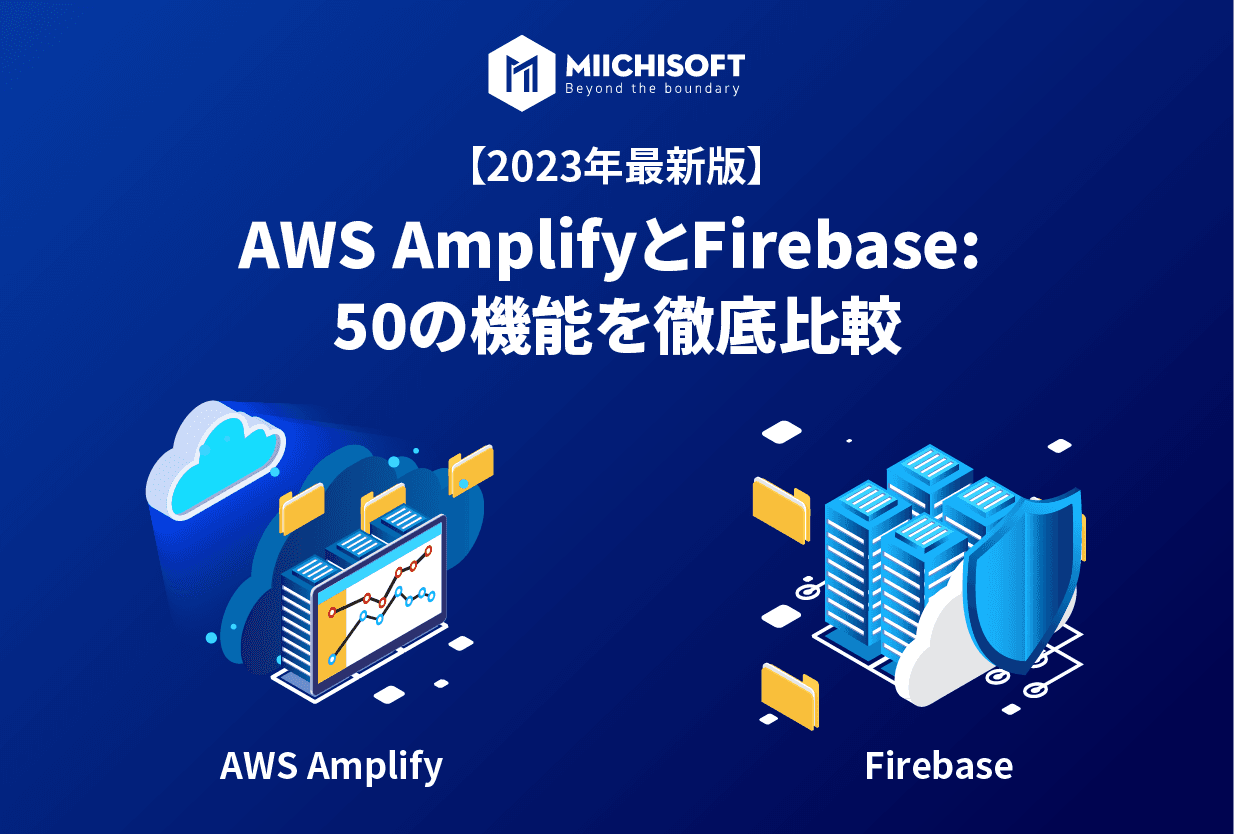
Google and Amazon dominate cloud computing. Developers want to understand the services these giants offer, their features, and how they differ from similar services. This time, we'll introduce AWS Amplify and Google's Firebase.
First, we'll explain what features AWS Amplify and Google Firebase offer, along with the strengths and weaknesses of each service. Next, we'll compare all 50 features side by side in a table. Finally, we'll share which of the two services we'd recommend choosing.
1. What is AWS Amplify? What features does it offer?

AWS Amplify is built for frontend developers looking for a visual way to deploy full-stack web application development or mobile apps to AWS. No DevOps knowledge is required — you simply connect a Git repository and click through a few configuration pages to deploy your app automatically.
Another option is to build your app's backend using a visual drag & drop editor. The backend can include storage, data, authentication, and more. You can also visually design your frontend using the same type of interface.
Once configuration is complete, all you need to do is push to your git or AWS CodeDeploy repository — Amplify handles the rest.
It then deploys your app through a fully managed hosting service, and automatically scales it through the AWS Cloudfront content delivery network (CDN).
Major companies such as Neiman Marcus, Noom, and United Way use AWS's services.
2. What is Google Firebase? What features does it offer?

Google's Firebase offers a command line interface (CLI) as an alternative to AWS Amplify's visual deployment cycle. With a single console command, you can deploy a static app or a full-stack app right after setup.
Marketed as an app development platform with a NoSQL database, Firebase doesn't necessarily target the same developers as AWS Amplify. Firebase appeals to web and mobile app developers with CLI skills who need scalable backend and database capabilities.
Firebase offers a number of services, for example:
・Authentication
・Realtime Database
・Analytics
・Performance Monitoring
・Cloud Messaging
・Test Lab
・Crash Reporting
Developers can roll out new features gradually, testing with just a handful of users before a full release.
Major companies such as the New York Times, Lyft, Alibaba, NPR, and Venmo use Google Firebase.
3. Pros and cons of AWS Amplify and Firebase
AWS Amplify and Google Firebase are both highly scalable as Backend-as-a-Service (BaaS) platforms. Both support a wide range of languages and frameworks.
Firebase requires command-line skills, unlike the graphical approach taken by other services such as AWS Amplify or Netlify. Its CLI interface is very powerful, and so is Firebase's.
Note that Amplify optionally provides a nearly full-featured CLI interface if you need it. Still, you may not feel confident using the command line, whereas Firebase requires it.
Both platforms use pay-as-you-go pricing, which makes it hard to predict how a spike in users will affect your costs. This is especially tricky with Firebase if you don't enable a budget cap.
Firebase uses a NoSQL database. If you decide to switch platforms, you may run into data migration issues. There are several reasons you might want to move to a different platform, but since NoSQL lacks SQL capabilities, queries become more complex — which can limit common database functionality.
AWS Amplify isn't without its own issues, either. Amplify can be difficult to work with as a team, because configuration files aren't always stored in a way that's easily accessible to the whole team. If not all files are tracked by git, you may run into problems getting Git and AWS Amplify to work together.
4. AWS Amplify vs. Firebase: comparing 50 features
Comparison item | AWS Amplify | Firebase |
Service description | SaaS, Scalable, Full-stack Apps | BaaS, Web, Mobile App Backend |
Development environment | Amplify Studio | Firebase Project |
Supported frameworks | SPA Frameworks, Static site generators SSR | Firebase SDKs, JavaScript, C++, Unity, Apple, Android |
Web project automation | Yes | APIs, CLI |
Automated builds | GitHub, Bitbucket, GitLab, AWS CodeCommit | GitHub, Bitbucket, Gitlab |
Monorepo support | Yes | Yes |
Auto scaling | Yes | Yes |
Build version rollback | Yes | No |
Deploy preview | Yes | Yes, Preview URL |
Infrastructure | AWS | Google Cloud |
CDN | Yes | Yes |
Cache invalidation | Yes | Yes |
Edge handlers | AWS Cloudfront | Google Cloud CDN |
File optimization | CDN | CDN |
Target users | Web, Mobile App Devs, Frontend Devs | Web, Mobile App Devs, Frontend Devs |
DevOps required? | No | No, but CLI available |
Static web apps | Yes | Yes |
Mobile apps | Yes | Yes |
JAMstack | Yes | Yes |
Full-stack | Yes | Yes |
Microservices | Yes | Yes |
Serverless | Yes | Yes |
Backend | Serverless | Firebase |
Headless CMS | Third-party | Flamelink CMS |
CLI | Yes | Yes |
CI/CD | Yes | Third-party |
Database | Amazon Aurora MySQL | Firebase NoSQL |
Authentication | Amplify Auth | Firebase Authentication |
HTTPS SSL | AWS Certificate Manager | Yes |
Global availability | Yes | Yes |
Hosting | Yes | Yes |
APIs | graphQL, REST | graphQL, Firebase REST API |
Automated deployment | Yes | Yes |
Global build, test, deploy | Yes | Yes |
High-performance builds | Yes | Yes |
Push-to-deploy via Git | Yes | No |
Version rollback | Yes | Yes |
Storage | S3 | Google Cloud Storage Bucket |
Dependency caching | Yes | Yes |
Testing | Site Previews | Firebase Hosting, Firebase Test Lab |
Fixed IP address | No | Third-party VPC |
Form management | No | No |
Password protection | Yes | Yes |
Split testing | Third-party | Firebase A/B Testing |
Add-ons | Yes | Firebase Extensions |
Team permissions | Yes | Yes |
Analytics | Amazon Pinpoint & Amazon Kinesis | Google Analytics |
Security | AWS KMS encryption at rest | Encrypt Transit (HTTPS), At-Rest (Cloud Firestore) |
Free trial | Free Tier | Free Tier |
Pricing | Free Tier, Pay-as-you-go | Free Tier, Pay-as-you-go |
Read more:
[2023 Latest] Netlify vs. AWS Amplify: A Thorough Comparison of 50 Features
[2023] AWS Amplify vs. Vercel: A Thorough Comparison of 48 Features
5. Firebase or AWS Amplify: which should you choose?
Which BaaS platform to choose depends on what matters most to you in a platform like Firebase or AWS Amplify.
For example, if:
・You want a lightweight, simple environment that's easy for developers to use
・You don't expect large-scale scaling
・You have CLI skills
・You want plenty of integrated services
➡︎ We recommend Firebase.
On the other hand, if:
・You want a no-code/low-code environment
・You're comfortable working within the AWS console (which is fairly complex)
・You need access to a lot of AWS infrastructure
・You want to build the backend or frontend visually
・You plan to scale your app to large or enterprise size
➡︎ We recommend Amazon Amplify.
6. Looking for a cloud support partner? Choose Miichisoft
Miichisoft mainly works with Amazon Web Services (AWS), Microsoft Azure, and Google Cloud Platform (GCP), and has the structure in place to run business discovery sessions with clients and propose server architecture designs.
We were also certified as an AWS Consulting Partner in 2022.
If you're considering developing a web application, mobile app, or business system on the cloud, please feel free to reach out to us.
We provide one-stop support, from upstream phases like requirements definition, basic design, and detailed design, through development, testing, and CI/CD adoption.
We look forward to hearing from you.
Thank you.
Read more: MIICHISOFT,.JSC Announces AWS Consulting Partner Certification
Related Articles
[Case Study Dify] AI ERP Query Bot Using Natural Language - Retrieve data in seconds

Dify Chatbot Pricing: Complete Guide to Deployment & Operating Costs

[2025] 12 PWA App Case Studies, Explained in Detail

What Comes After Proof of Concept (PoC)? [2025 Edition]

Top 10 IT Outsourcing Companies in Vietnam Experienced in Working with Japanese Enterprises