Home › Blog › Development Solutions
[2023] Benefits, Structure, and Process of the LINE Mini App Explained
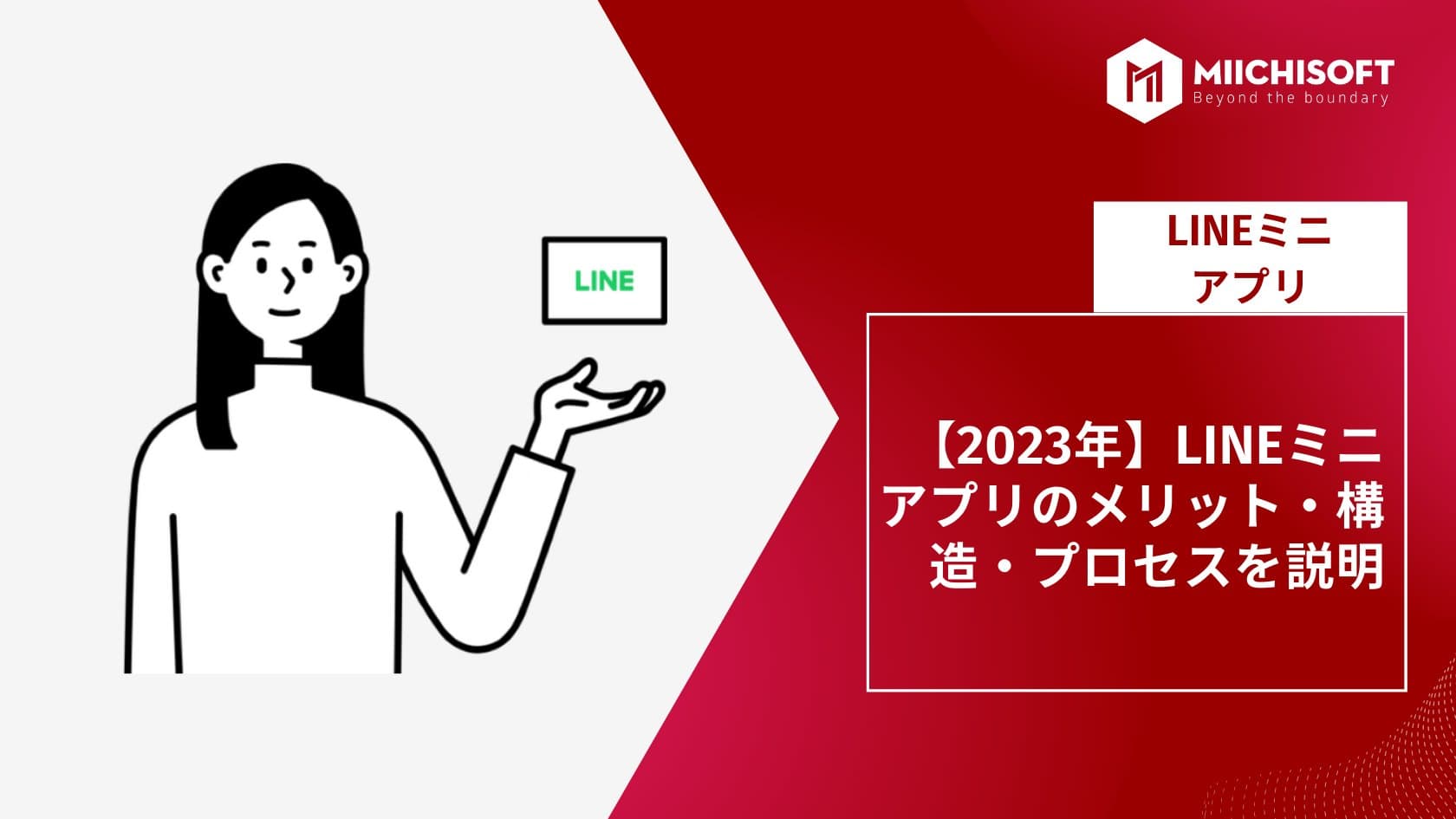
The LINE Mini App is a web application that runs within LINE. By using a LINE Mini App, users can enjoy a service without having to separately install a native app. "LINE Mini App" is its official name.
Since the LINE Mini App runs in a web browser, most HTML5 specifications can be used. This article introduces the benefits, structure, and process of the LINE Mini App.
1. LINE Mini App
A LINE Mini App is a small web application that runs on the LINE platform.
From the Add Friends screen inside the LINE app, users can search for and add Mini Apps across various categories. Mini Apps are built using web technologies such as JavaScript, HTML, and CSS,
and can integrate with LINE's features using APIs provided by the LINE platform. Since the LINE Mini App is available on both iOS and Android and is relatively easy to develop, many companies are considering adopting it.
2. Benefits of the LINE Mini App
The LINE Mini App offers the following benefits.
2.1 Time and Cost Savings
Since the platform infrastructure of the LINE Mini App is already built, development effort can be reduced. Also, because there is no need to develop separate versions for each OS, the workload is further reduced.
2.2 High User Engagement
Because the LINE Mini App is integrated within LINE, the barrier for users to use the app is lower. This allows app providers to increase user engagement.
2.3 Easy Development
Web technologies are used to develop the LINE Mini App, making it easier to develop than mobile apps. In addition, using the rich set of APIs provided by LINE can reduce app development time and cost.
2.4 Ideal for Promotion
Since the LINE Mini App is provided on the LINE platform, it can be promoted to users through a LINE Official Account. It can also be distributed via LINE's timeline and chat screen. This allows app providers to run effective promotions.
2.5 Data Analytics Available
The LINE Mini App can integrate with "LINE Access Analytics," an access analysis tool provided by LINE. This makes it possible to analyze app usage and user behavior patterns. As a result, providers can improve the app and review their strategies to deliver a better user experience.
2.6 Easy Service Notifications to Users
Service messages can be sent free of charge even if a user has not added the LINE Official Account as a friend, so important information such as reservation and order confirmations can be delivered to users without being missed.
2.7 Development Cost About Half That of Native Apps
With native apps, separate development is required for each platform to support both iOS and Android. With the LINE Mini App, however, only a single web app needs to be developed for the LINE platform, so development cost can be reduced by about half. Furthermore, app updates are reflected automatically, making it well suited to agile app development.
2.8 No 30% Fee for Paid Services
When offering paid services through the LINE Mini App, companies are not charged a 30% fee on sales, unlike the iOS and Android app stores, allowing them to keep costs down. Payment methods such as credit cards and LINE Pay can be freely configured, though the usual payment processing fee is borne by the payment provider that is set up.
As described above, the LINE Mini App offers many benefits for both users and app providers. For this reason, it is expected to keep growing as a platform that continues to attract attention.
2. Structure of the LINE Mini App

The LINE Mini App consists of four main components: the client side, the server side, the database management system (DBMS), and the API endpoints.
2.1 Client-Side
The client-side component is responsible for rendering content, including all UI elements such as text, images, and buttons, on the user's device.
These elements are built using HTML, CSS, and JavaScript code, and run in the browser of the end-user's device, such as a smartphone or tablet.
2.2 Server-Side
The server-side component manages data storage and retrieval operations, as well as the execution of application logic such as authentication and payment processing.
This code is typically written in languages such as Python or NodeJS/ExpressJS/GoLang, and runs on a web server such as Apache or Nginx.
2.3 Database Management System (DBMS)
The most important thing in the LINE Mini App is managing data efficiently and securely. To do this, developers need to introduce a database management system that lets them quickly and easily manipulate information related to the app.
Commonly used DBMSs include MySQL, PostgreSQL, MongoDB, and Firebase, each offering unique features depending on the specific needs of a project.
For example, if you need to run complex queries on large datasets, you might choose PostgreSQL for its advanced query capabilities, whereas MongoDB is well suited for cases involving real-time record updates thanks to its scalability.
2.4 API Endpoints
Creating API endpoints allows other services to access the various functions included in the API.
These APIs must be designed so that users do not expose confidential information, in order to ensure secure communication between the two parties.
In addition, when creating these endpoints, it is necessary to consider what type of authentication is needed to prevent unauthorized access and malicious activity.
3. LINE Mini App Development Guidelines

3.1 Setting Goals
The first step to making a LINE Mini App successful is deciding on its purpose and goals. Asking yourself what value you want to provide to users through this app will inform every other development decision.
Once the purpose of the app is clear, first go through the LINE Mini App SDK documentation, which explains how to develop the app from start to finish.
By creating an account on the Developer Console, you will be able to manage the LINE Mini App development process and submit the completed app for review.
Finally, register the app on the Developer Console so it can be linked with related channels and accounts (if applicable).
3.2 Design Considerations
When designing the user interface (UI) of the LINE Mini App, keep in mind that the main goal should be quick access to content and smooth navigation, and remove anything unnecessary or anything that hinders smooth operation before submitting it for review!
Also, keep in mind LINE's design principles when organizing each element on every page of the design document — for example, "minimal and approachable," "avoid overusing colors and fonts," "increase contrast where needed," and "leave sufficient space between elements."
3.3 Platform Integration
Integrating various platforms such as Facebook Messenger and Twitter into the LINE Mini App can dramatically increase the app's reach and functionality!
However, in addition to ensuring security, you must comply with each platform's privacy policy — violations can lead not only to legal action but also possible suspension across all platforms, so be careful!
Also, when integrating third-party services, be sure to double-check the API documentation before implementing it in production code. Doing so will greatly reduce potential issues when rolling out updates later on!
3.4 Coding Best Practices
Start coding to the JavaScript ES6+ standard specification, referring to the official documentation and best practices provided by LINE's SDK team (such as using async functions instead of callbacks).
Also, make sure that the instance variables used in each function are properly documented — what they conceptually represent and what type is assigned to them at runtime.
This not only helps with future debugging but also ensures code that is easy to read for anyone!
3.5 Testing and Debugging
After testing basic functionality locally using the emulator provided by the developer, move on to more advanced scenarios, such as testing various combinations of input against expected output across multiple device types (desktop, mobile, etc.).
Doing so allows you to identify potential issues, such as performance degradation caused by browser compatibility problems or incorrect return values caused by faulty logic implementation.
However, it is important to never test directly against the production environment.
This is because changes made in the production environment cannot easily be undone without external intervention if something unexpected happens.
By following these guidelines and best practices, developers should be able to quickly and efficiently build a successful LINE Mini App without running into too many obstacles along the way! Good luck, everyone!
4. Differences Between LINE Mini App and LINE Official Account
Both the LINE Mini App and LINE Official Account are tools that let businesses operate on the LINE platform, but the following explains their differences.
4.1 Role
A LINE Official Account is a basic account that allows a business to operate on LINE, offering features such as sending and receiving messages, push notifications, sending stickers and images, automated replies, and surveys. A LINE Mini App, on the other hand, is a small application that provides in-app functionality, which users can access directly within LINE.
4.2 Features
In addition to basic messaging functions, the LINE Official Account offers various features such as user management, scheduling, and LINE Pay integration. The LINE Mini App, on the other hand, mainly serves to provide specific in-app functionality and can extend the features of the LINE Official Account.
4.3 How to Use
The LINE Official Account can be configured and edited from a dedicated management screen called LINE Business Center. The LINE Mini App, on the other hand, is developed and operated on a dedicated developer platform called LINE Developers.
4.4 User Base
The LINE Official Account is provided for businesses and can be used for business purposes. The LINE Mini App, on the other hand, can be created by both individual and corporate developers, making it possible to offer apps for a wide range of user bases.
These are the main differences between the LINE Mini App and the LINE Official Account.
5. Conclusion
The LINE Mini App is a great way to extend the functionality of LINE's messaging platform. With a few simple guidelines and best practices, you can provide users with a powerful and engaging experience.
Related Articles
[Case Study Dify] AI ERP Query Bot Using Natural Language - Retrieve data in seconds
Dify Chatbot Pricing: Complete Guide to Deployment & Operating Costs
[2025] 12 PWA App Case Studies, Explained in Detail
What Comes After Proof of Concept (PoC)? [2025 Edition]

Top 10 IT Outsourcing Companies in Vietnam Experienced in Working with Japanese Enterprises